How to Choose the Right PDF Tool for the Job
Pick the fastest workflow for converting, editing, organizing, securing, and sharing PDFs.
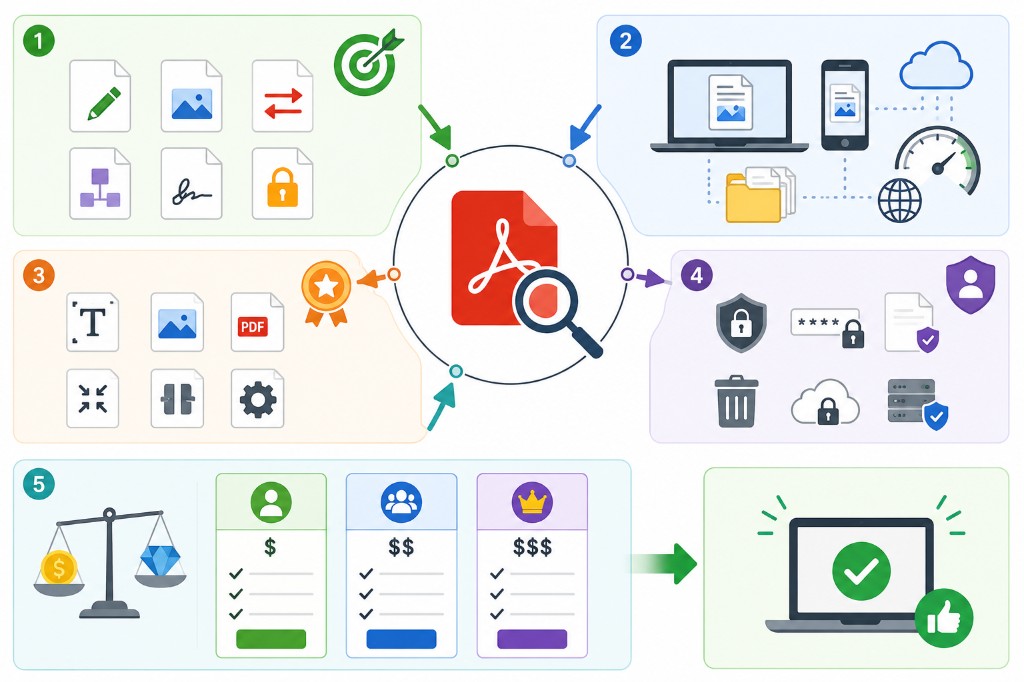
Most PDF frustration is picking the wrong tool first. Five seconds identifying the problem saves ten minutes clicking around.
Structure problems β wrong page order, extra blanks, combining files β use organize tools: Merge PDF, Split PDF, Organize PDF, Remove Pages, Extract Pages. Fix structure before numbering, compressing, or protecting.
Size problems β file too large for email or upload β use Compress PDF. Broken files that won't open try Repair PDF. Scans with no searchable text need OCR PDF.
Format problems β wrong file type β have a matching converter: Word, Excel, PowerPoint, JPG, HTML to or from PDF. Content problems β fill a form, sign, watermark, hide sensitive text β use Edit PDF, Sign PDF, Add Watermark, Redact PDF.
Access problems β who can open, print, or copy β go through Protect PDF and Unlock PDF. When in doubt, start with PDF Reader to see what the file actually contains before you transform it.
A practical workflow for All PDF Tools
This workflow starts with your file and produces a processed file. The setting that deserves the most attention is simple: choose the options that match your document task.
- 1.Add your file. Use the cleanest version you have, especially for scans or client files.
- 2.Choose the options that match your document task. Take ten seconds here; most PDF mistakes are order, range, or quality mistakes.
- 3.Click Process and let RashPDF prepare a processed file.
- 4.Open the result once before sending it. If it looks right, download it or continue with the next PDF tool.
What to check before you download
- Input
- your file
- Expected output
- a processed file
- Important setting
- choose the options that match your document task
- Quality check
- Use a clean source file and review the final output before sharing it. The result depends on the source file and the options you choose.
- Processing note
- The workflow is designed for browser-based processing where possible, so you can review the result before saving or sharing it.
After the result is checked, you can merge, compress, protect, or share the output file. Keep the original file until the final version has opened correctly and is ready to print, submit, archive, or share.