Remove Unwanted Pages From a PDF Safely
Delete blank, duplicate, or private pages before sending a PDF to someone else.
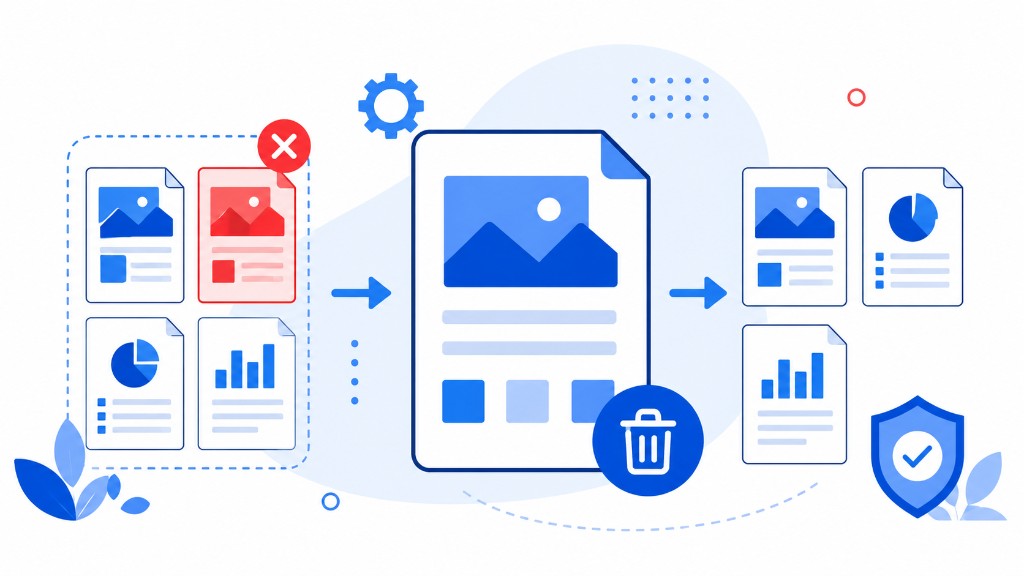
Before sending any PDF, scroll through it once. Scanned batches often include blank separator pages. Reports accumulate draft sheets from earlier versions. Contracts sometimes carry internal notes that were never meant for the client.
Remove Pages deletes selected pages and downloads a new PDF without them. Upload, click X on unwanted thumbnails in the grid, click Remove Pages, download. Your original file on disk stays untouched — reload and try again if you removed the wrong page.
Runs in your browser. Remaining pages keep fonts, images, and layout exactly as before — no recompression unless you choose to compress later.
Removing pages also reduces file size when those pages were scanned images. Delete ten blank scans, then run Compress PDF, and the attachment often drops enough for email.
When you want to send only a small keep-set rather than delete unwanted pages from a large file, Extract Pages may feel clearer — it builds a new packet from what you selected instead of trimming what you rejected.