Scan Paper Documents Into a Clean PDF
Turn phone photos or scanner images into one organized PDF for records and uploads.
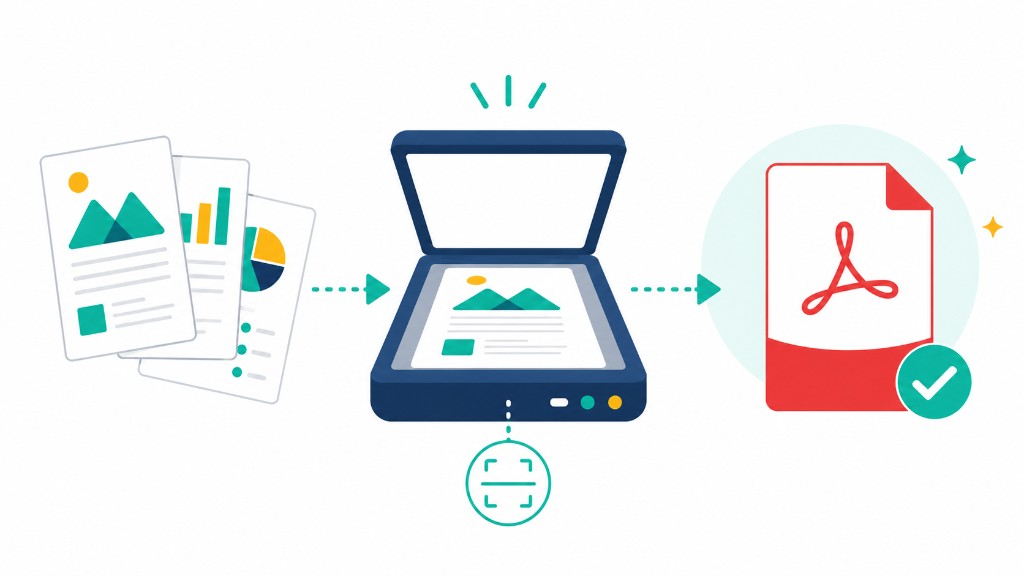
You don't need a dedicated scanner for decent PDF records. A phone camera with good light and a flat surface produces documents good enough for receipts, forms, and internal archives.
Scan to PDF on RashPDF is a full capture workflow, not just upload. On the start screen choose Open Webcam for a laptop, Open Camera on mobile, Scan Document for live capture with auto crop, or Upload from Gallery for photos you already took.
After each capture you can crop edges, straighten perspective, rotate, and apply filters — color, grayscale, or black-and-white — before adding the page to your stack. Export builds a multi-page PDF locally with pdf-lib.
Scanned PDFs are images. Text isn't searchable until you run OCR PDF. Multiple full-resolution phone photos can produce a twenty-megabyte file; follow with Compress PDF before email or portal upload.