Share PDF Files Securely and Professionally
Prepare PDFs for sending with the right size, name, password, and final checks.
Email isn't always the right delivery channel. Attachments bounce on size limits, corporate inboxes strip files, and some recipients prefer a link they can open on a phone.
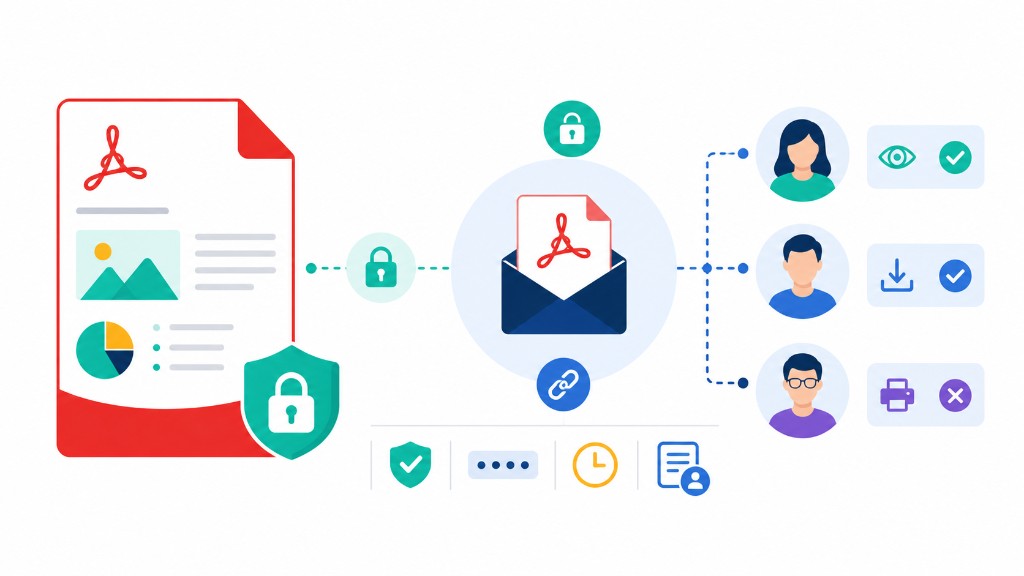
Share PDF uploads your file and returns a temporary download link you can copy or share through your device's share menu. Unlike merge or compress, this tool does upload the PDF to create the link — plan accordingly for sensitive documents.
For tax returns, medical files, or legal contracts, Protect PDF first, then share the link and password through different channels. Rename the file clearly before upload — invoice-march-2026.pdf beats document-final(3).pdf six months from now.
If the file is too large to upload quickly, Compress PDF first. If email works fine after compression, you may not need a link at all.