Add Page Numbers to Long PDF Documents
Make contracts, reports, and manuals easier to reference with automatic numbering.
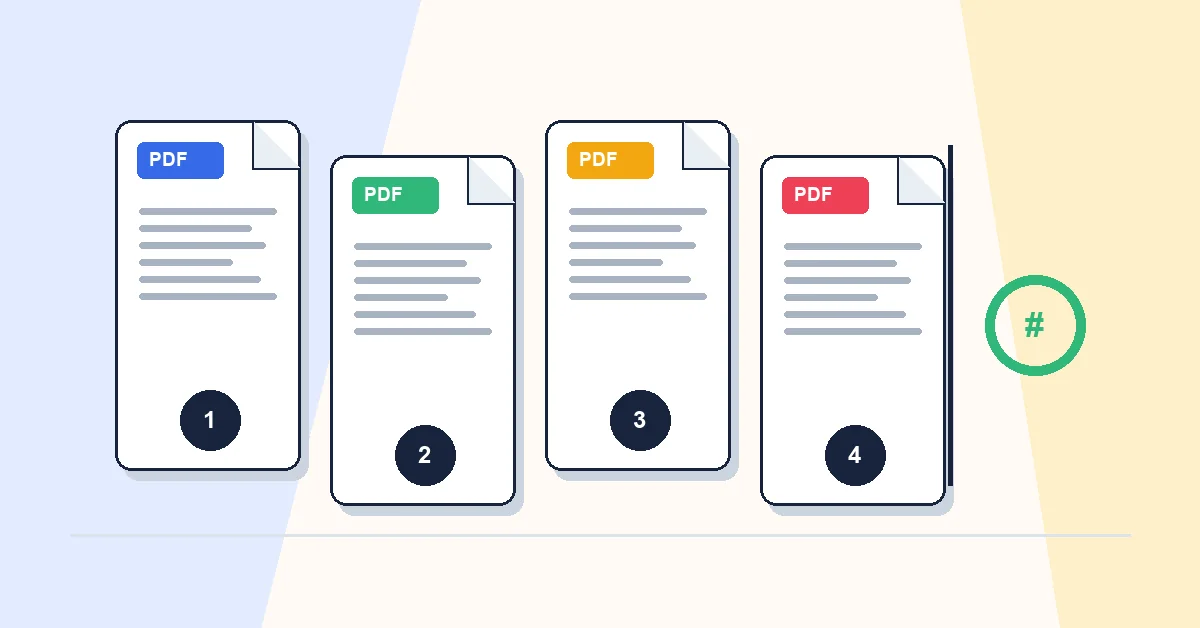
Page numbers turn a long document from something you scroll through into something you can cite. See page twenty-two beats see the liability section somewhere in the middle.
Add Page Numbers stamps numbers on every page as an overlay. Upload, choose position — bottom center is standard for business documents — set a starting number if your cover should not count as page one, apply, download.
Add numbers last. If you merge, remove pages, or organize after numbering, the sequence becomes wrong and you must redo it.
Numbers sit on top of content without changing the body text underneath. Pair with Compress PDF and Protect PDF after numbering when you're ready to send.
A practical workflow for Add Page Numbers
This workflow starts with a PDF that needs headers or footers with page numbers and produces a numbered PDF. The setting that deserves the most attention is simple: choose position, starting number, number format, and margin.
- 1.Add a PDF that needs headers or footers with page numbers.
- 2.Choose position, starting number, number format, and margin.
- 3.Click Add Page Numbers and let RashPDF prepare a numbered PDF.
What to check before you download
- Input
- a PDF that needs headers or footers with page numbers
- Expected output
- a numbered PDF
- Important setting
- choose position, starting number, number format, and margin
- Quality check
- Exclude cover pages when page one should start after the title page. Numbers are added to the page while the original document content remains intact.
- Processing note
- Add Page Numbers performs this document task in your browser and creates a numbered PDF on your device.
After the result is checked, you can merge numbered files, watermark them, or protect the final copy. Keep the original file until the final version has opened correctly and is ready to print, submit, archive, or share.