Compare Two PDF Versions Before Approval
Spot layout and content changes between drafts, contracts, and reports.
Someone returns a final contract and says nothing changed from the draft you reviewed. You aren't willing to sign on trust alone. Comparing the two files takes a minute and gives a precise answer.
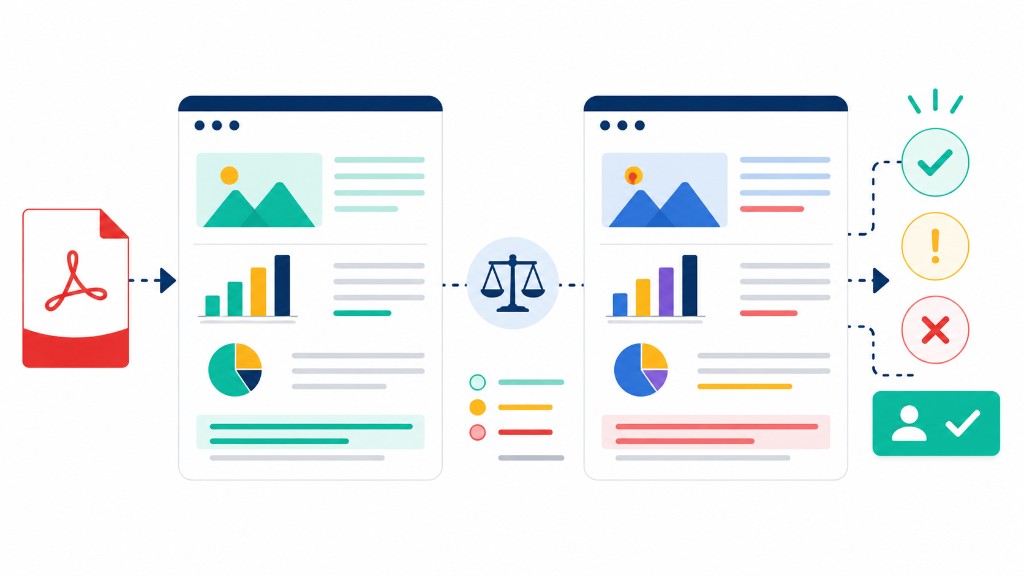
Compare PDF renders both documents side by side in your browser and highlights visual differences page by page. Upload the older version first, then the newer one. Focus on numbers, dates, names, and liability clauses.
Compare the exact files that will be signed, not an older draft you already approved. Changes can appear in the final export step. Keep copies of both versions for your records.
For text-heavy legal work this visual diff complements careful reading — it catches layout shifts and swapped figures you might miss on a quick scroll.