Crop PDF Margins for Cleaner Pages
Remove extra white space and focus the page on the content that matters.
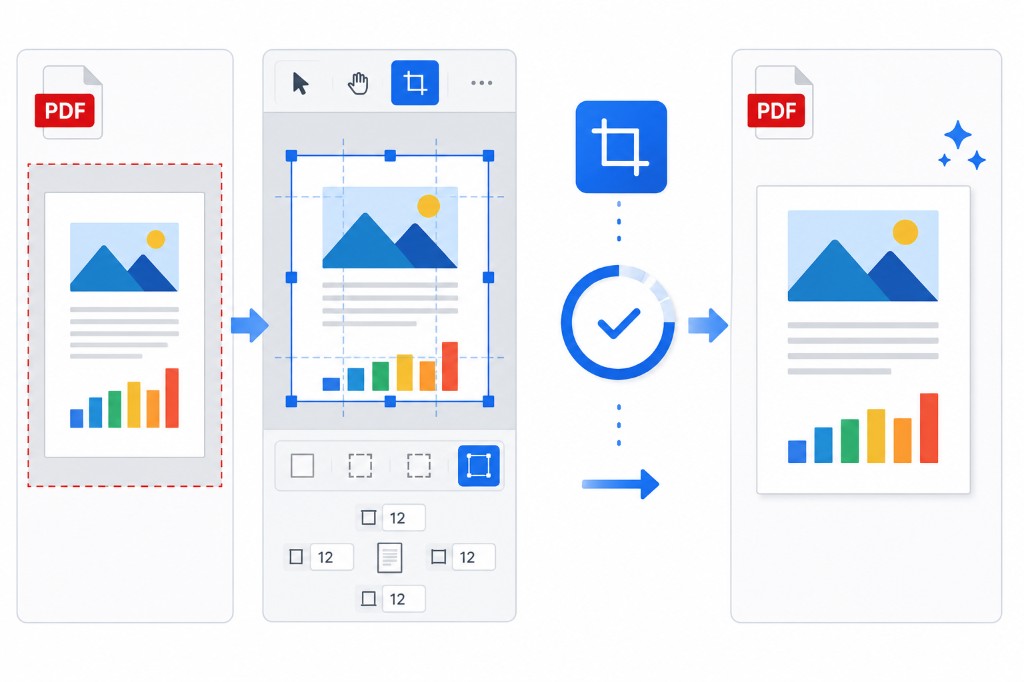
Scanner beds leave wide white borders around small content areas. Old forms have generous margins designed for fax machines. On a phone screen those empty zones waste space and make text tiny.
Crop PDF trims uniform margins from every page. Upload, set top, bottom, left, and right values, apply, download. Leave a few millimeters of breathing room so text isn't flush against the edge when printed.
Crop before Compress PDF when possible. Blank margin pixels still cost size in scanned files; trimming them first gives compression more room to work.
Crop is uniform across all pages in this tool — ideal for consistent scan batches, not mixed layouts with different margin needs per page.