Convert PowerPoint to PDF Before Sharing
Lock slide layout, reduce compatibility issues, and send a deck anyone can open.
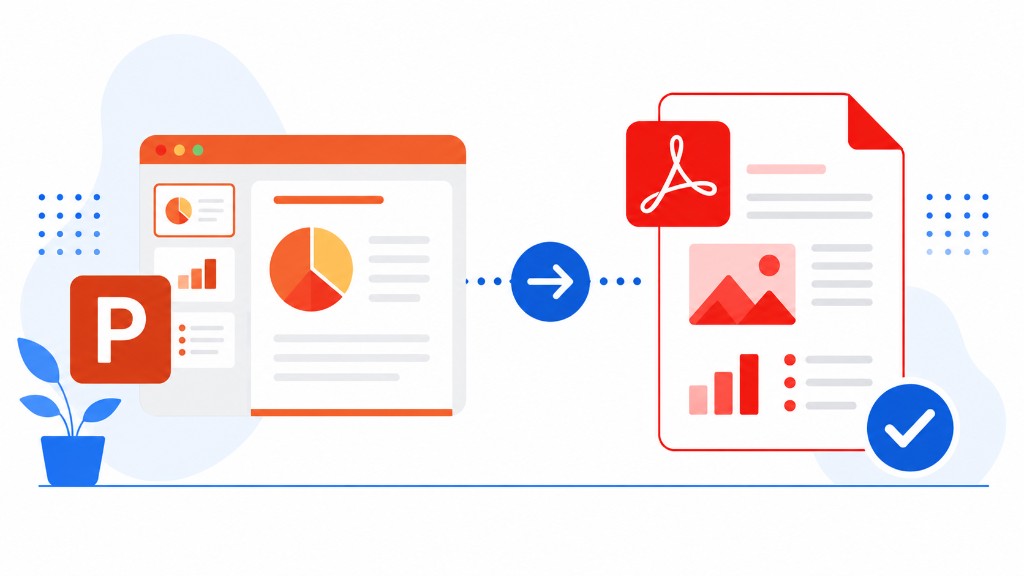
You build a deck on your machine with custom fonts and slide transitions. On the client's laptop half the text overflows and a chart shifts off the slide. PDF eliminates that class of surprise.
PowerPoint to PDF converts PPT and PPTX through our server. Each slide becomes one PDF page with layout preserved. Speaker notes don't appear in the PDF output, which is usually what you want for external sharing.
Check slide size before converting — widescreen 16:9 for screen review, 4:3 or A4 for print handouts. Image-heavy decks produce large PDFs; Compress PDF after conversion helps email delivery.
Use PDF for final client decks, speaker handouts, and school presentations. Keep the editable PPTX for yourself when you expect revision rounds.