Convert a PDF to High Quality JPG Images
Export every page of a PDF as a sharp image for previews or social media.
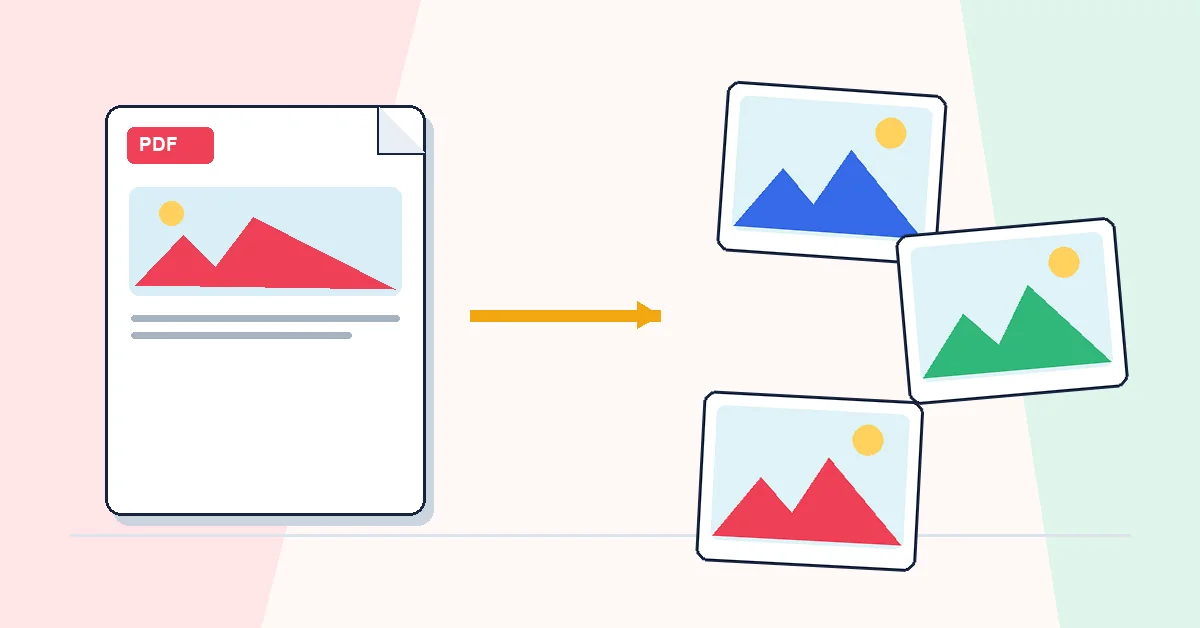
Some platforms reject PDF uploads entirely. Social posts, slide decks, design tools, and certain portals want JPG or PNG. Converting pages to images is the bridge.
PDF to JPG renders each page at higher resolution and packs numbered JPG files into a ZIP. Upload, convert, download. Processing happens in your browser.
If you only need one page, Extract Pages first to pull a single-page PDF, then convert that file — you avoid a ZIP full of pages you don't need.
JPG output is flat and read-only, which is useful for previews and social sharing. To rebuild a document from images, use JPG to PDF in the other direction.
A practical workflow for PDF to JPG
This workflow starts with a PDF whose pages you need as images and produces JPG or PNG images, usually downloaded as a ZIP. The setting that deserves the most attention is simple: choose image format, resolution, and page range.
- 1.Add a PDF whose pages you need as images. Use the cleanest version you have, especially for scans or client files.
- 2.Choose image format, resolution, and page range. Take ten seconds here; most PDF mistakes are order, range, or quality mistakes.
- 3.Click Convert to JPG and let RashPDF prepare JPG or PNG images, usually downloaded as a ZIP.
- 4.Open the result once before sending it. If it looks right, download it or continue with the next PDF tool.
What to check before you download
- Input
- a PDF whose pages you need as images
- Expected output
- JPG or PNG images, usually downloaded as a ZIP
- Important setting
- choose image format, resolution, and page range
- Quality check
- Choose higher DPI when the images contain small text or will be printed. Image sharpness depends on the selected resolution and the original PDF quality.
- Processing note
- The workflow is designed for browser-based processing where possible, so you can review the result before saving or sharing it.
After the result is checked, you can convert selected images back to PDF, compress them into a PDF, or share them separately. Keep the original file until the final version has opened correctly and is ready to print, submit, archive, or share.