Create a Professional Invoice as a PDF
Build a clean invoice, export it to PDF, and send it to clients with confidence.
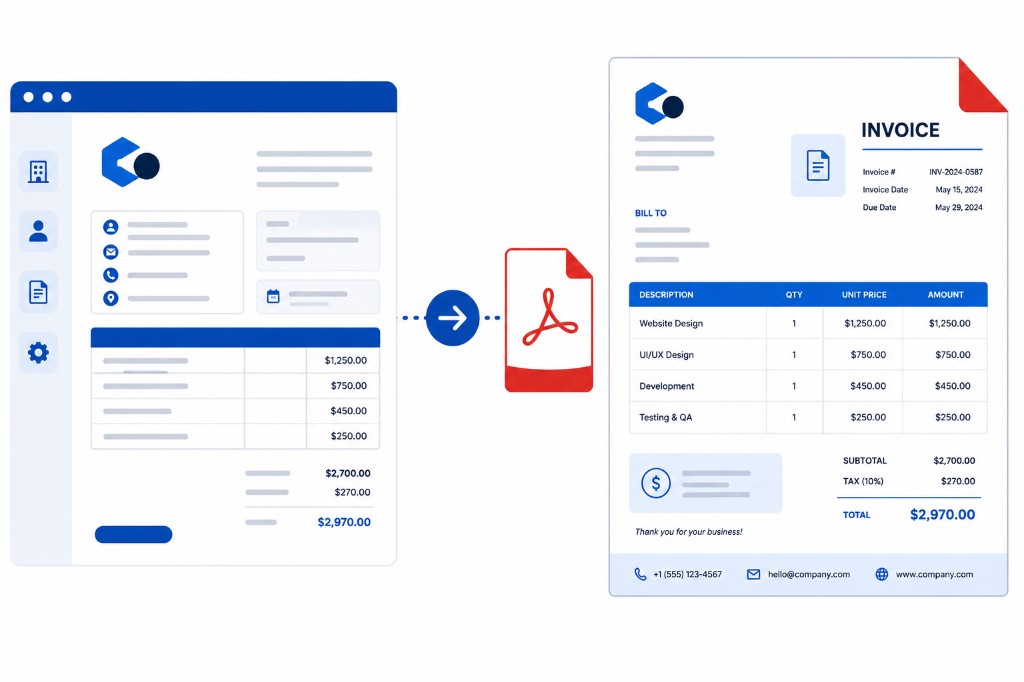
Accounts payable teams process clean invoices faster than messy ones. Missing invoice numbers, vague line descriptions, and no payment instructions all delay payment while someone emails back for details.
Invoice Generator handles layout in the browser. Enter your business name and contact details, client information, a unique invoice number, dates, line items with clear descriptions, tax if applicable, and payment instructions. Generate and download PDF.
Write line items so an accountant understands them without context — Website copywriting, eight pages, April delivery beats Services rendered. Use a consistent number sequence such as 2026-001, 2026-002 for audits and disputes.
A logo can inflate file size. If the PDF is heavy for email, run Compress PDF before sending. For password-protected client records, use Protect PDF when appropriate.