Convert Word Documents Into Polished PDF Files
Export DOCX files as PDF with consistent fonts and layout for any reader.
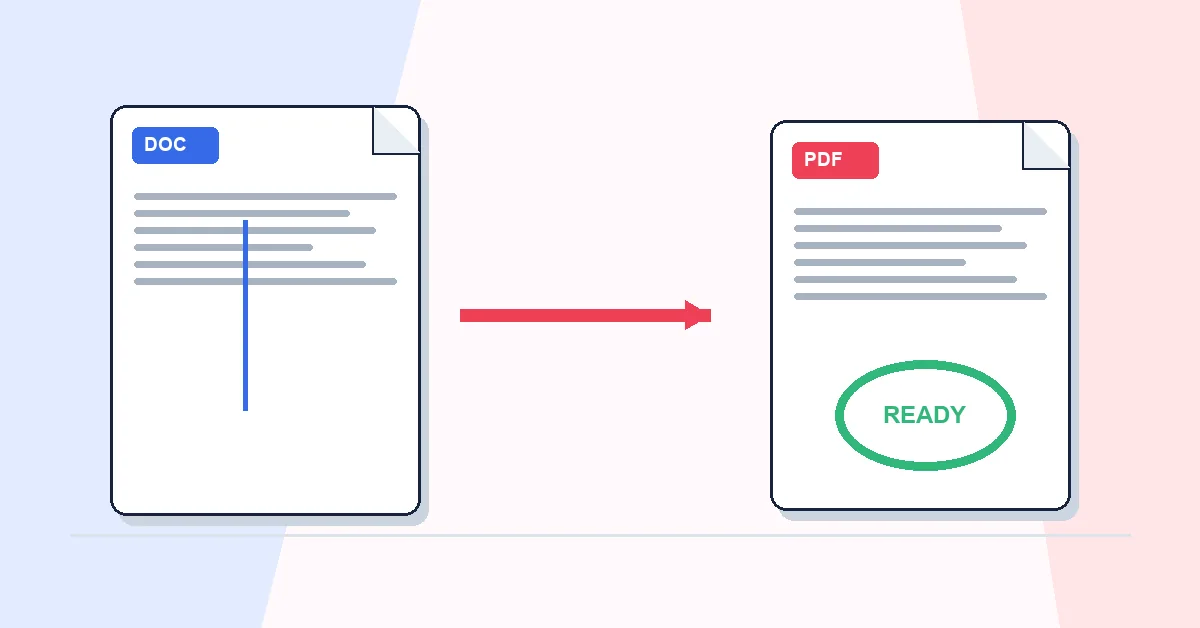
Your DOCX looks correct on your screen. On a client's machine with different fonts and an older Word version, the table shifts and a heading wraps badly. PDF prevents that.
Word to PDF converts DOC and DOCX through our server so layout, fonts, and spacing render consistently. Upload, download PDF — no Office install required on either side.
Check page size in Word before converting. A4 and Letter aren't interchangeable for printed copies. Documents with embedded screenshots can produce large PDFs; follow with Compress PDF before email.
Use this for CVs, proposals, contracts, school submissions, and any file that must look identical everywhere. For edits after sharing feedback, convert back to Word only when you need to change content, then export to PDF again for the next round.
A practical workflow for Word to PDF
This workflow starts with DOC or DOCX documents and produces a PDF with Word formatting preserved. The setting that deserves the most attention is simple: upload the Word file and convert it without changing the source document.
- 1.Add DOC or DOCX documents.
- 2.Upload the Word file and convert it without changing the source document.
- 3.Click Convert to PDF and let RashPDF prepare a PDF with Word formatting preserved.
What to check before you download
- Input
- DOC or DOCX documents
- Expected output
- a PDF with Word formatting preserved
- Important setting
- upload the Word file and convert it without changing the source document
- Quality check
- Check the Word file for missing fonts, comments, and tracked changes before converting. Layout is preserved as closely as possible, but unusual fonts or complex objects can affect the final appearance.
- Processing note
- Word to PDF sends DOC or DOCX documents to the RashPDF conversion service because this task needs server-side processing. The service returns a PDF with Word formatting preserved to your browser.
After the result is checked, you can compress the PDF, sign it, protect it, or merge it with attachments. Keep the original file until the final version has opened correctly and is ready to print, submit, archive, or share.