Convert PDF to Word and Keep the Layout Intact
Turn a PDF into an editable Word document while preserving tables and formatting.
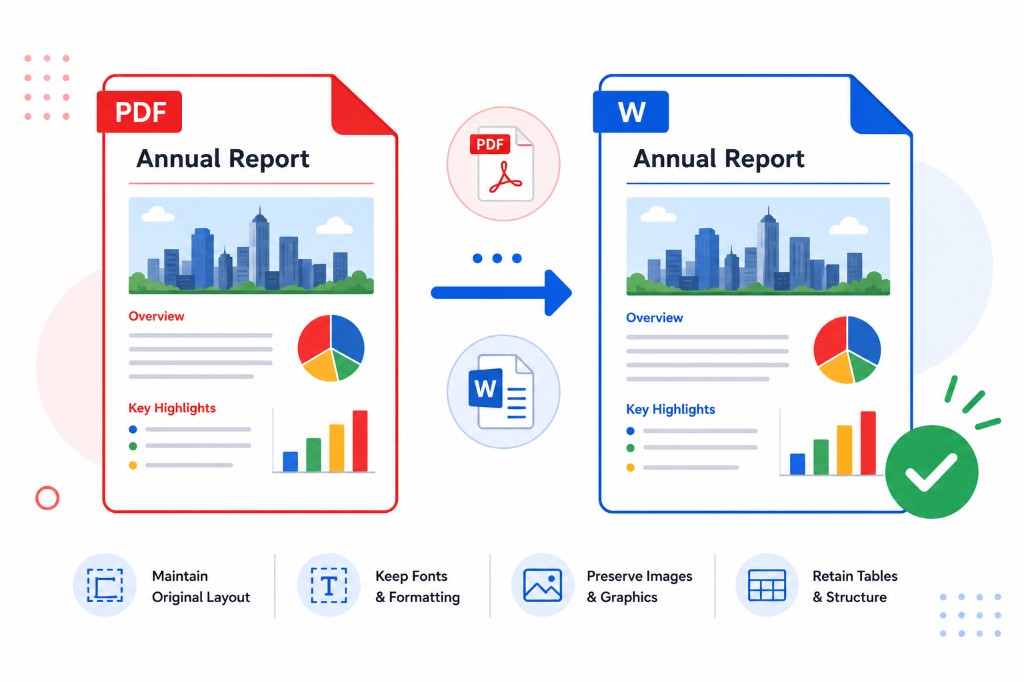
Someone sends a report as PDF and you need to change three paragraphs before tomorrow. Retyping the whole document isn't realistic. Converting to Word is the practical path.
PDF to Word produces an editable DOCX file. Upload your PDF, click Convert to Word, wait for the progress bar, and download. RashPDF sends the file to our conversion server for the best layout reconstruction. If the server is unavailable, a simpler browser fallback may run for a single file.
Digital PDFs — exported from Word, Google Docs, or accounting software — convert cleanest. Headings, lists, and simple tables usually transfer well. Scanned PDFs are pictures; run OCR PDF first so there is text to extract.
After conversion, fonts may substitute if your machine lacks the original typeface. Skim line breaks and spacing before heavy editing. When you're done, lock layout for sharing with Word to PDF.