Protect a PDF With a Password in One Minute
Add encryption so only people with the password can open your document.
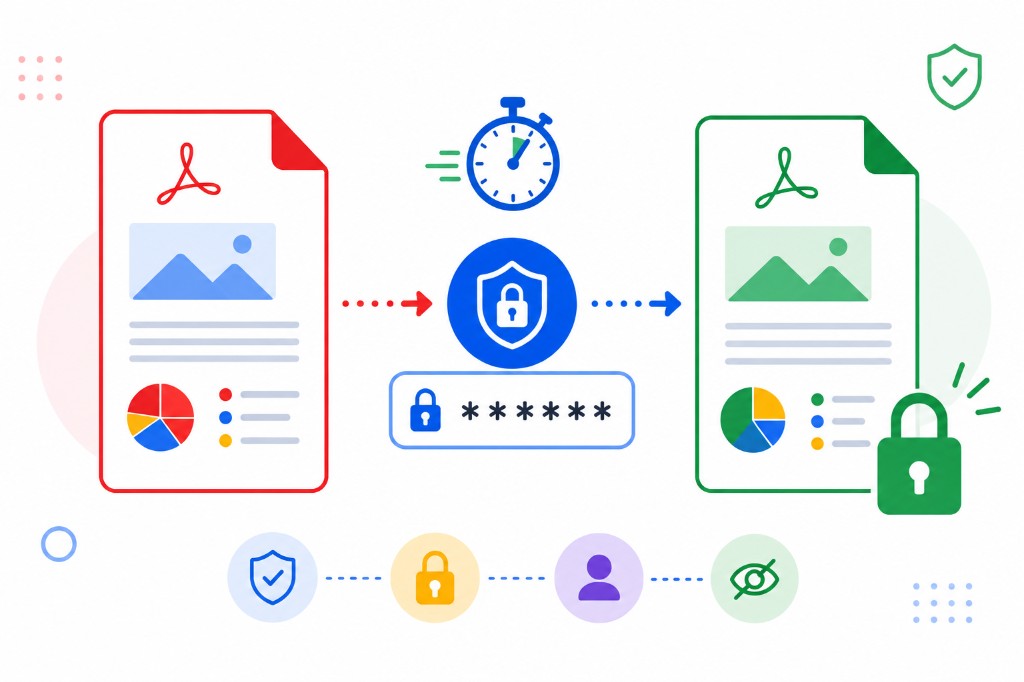
Anyone with an open PDF can forward it, print it, and copy from it. A password-protected PDF needs your passphrase to open. For tax returns, payslips, medical summaries, and legal agreements, that layer matters.
Protect PDF encrypts the file in your browser. Upload, type a password, click protect, download. RashPDF uses pdf-lib-plus-encrypt locally — your password isn't sent to our servers.
Choose a strong passphrase. Three or four unrelated words beat a single common word that automated tools guess in seconds. Send the PDF by email and the password by text or another channel so one intercepted message isn't enough to open the file.
To remove protection later when you know the password, use Unlock PDF. To share a protected file via link, protect first, then use Share PDF if email size is still an issue.