Rotate PDF Pages and Fix Sideways Scans
Turn pages right side up so they print and read correctly every time.
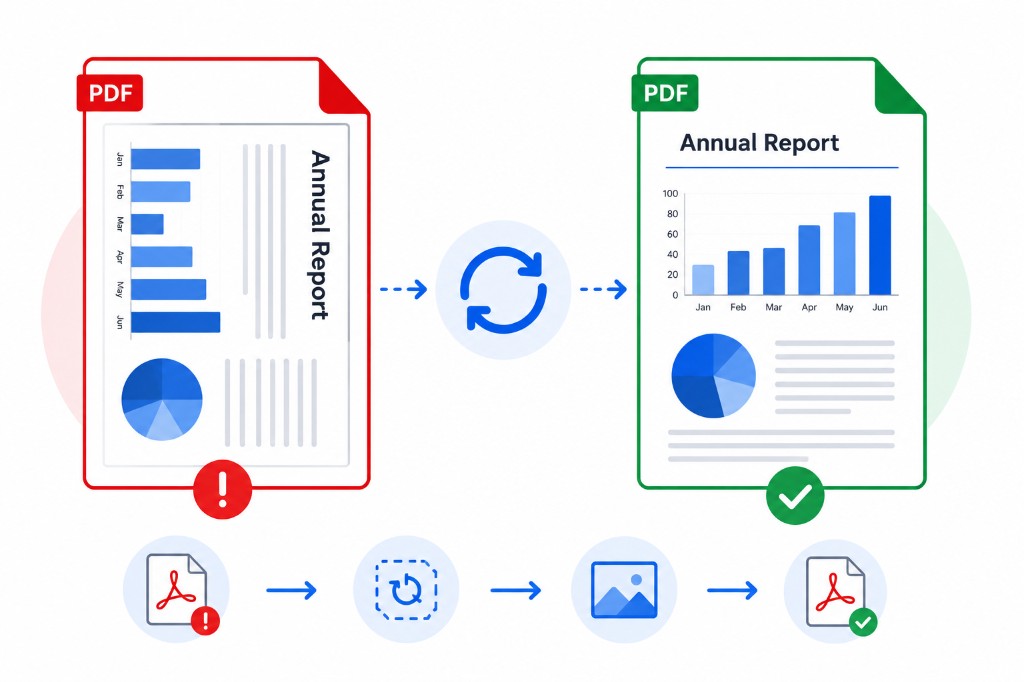
You scan ten pages and nine come out upright. One is sideways because the paper loaded differently. Opening the file on a phone makes that one page unusable without zooming and tilting your head.
Rotate PDF fixes orientation in seconds. Upload, click the rotate control on any thumbnail — ninety degrees per click — or use Rotate All for the whole document. Download when done.
Rotation is lossless. Only orientation metadata changes; text, images, and links stay exactly as they were. No recompression, no quality drop.
Rotate before OCR PDF on scanned files. Recognition engines read upright text far more accurately than sideways pages. Also rotate before Organize PDF if you're cleaning up a mixed scan batch.