Sign a PDF Online With a Drawn or Typed Signature
Add your signature to contracts and forms without printing or scanning.
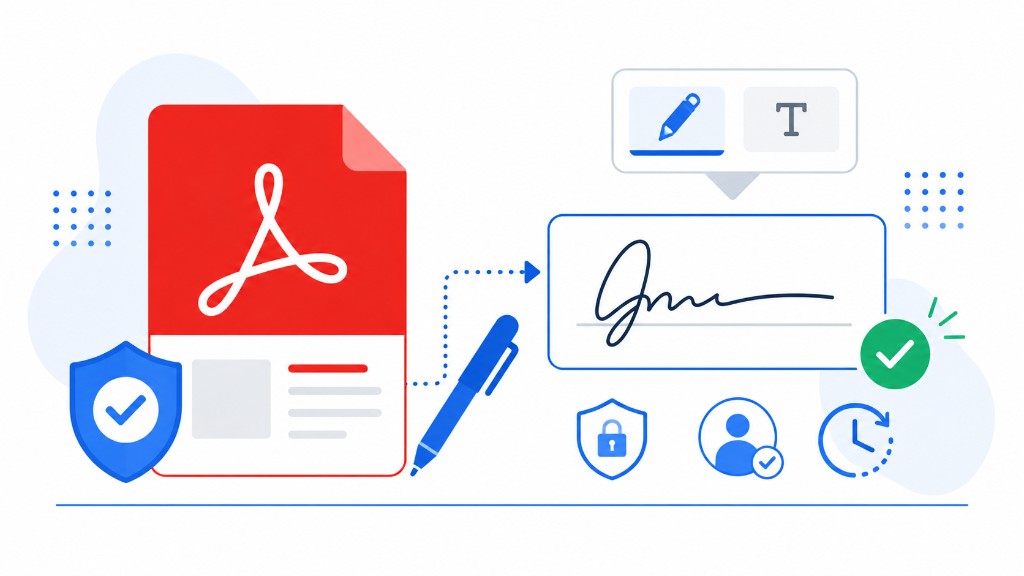
Print, sign, scan, email — four steps for a two-page agreement, and the scan often looks worse than the original. Most everyday signatures don't need that ritual.
Sign PDF runs in your browser. Upload the PDF, draw your signature with a mouse or finger, type it in a script font, or upload a signature image. Drag the signature onto the page preview where the line is, resize it to fit, and download.
You can place signatures on multiple pages if the form requires initials throughout. The signed output embeds the mark permanently — it isn't a separate layer someone can strip off in a basic viewer.
Everyday business agreements, consent forms, and internal approvals generally accept electronic signatures. For regulated filings, verify what your jurisdiction requires before relying on a drawn signature alone.