Convert Word Documents Into Polished PDF Files
Export DOCX files as PDF with consistent fonts and layout for any reader.
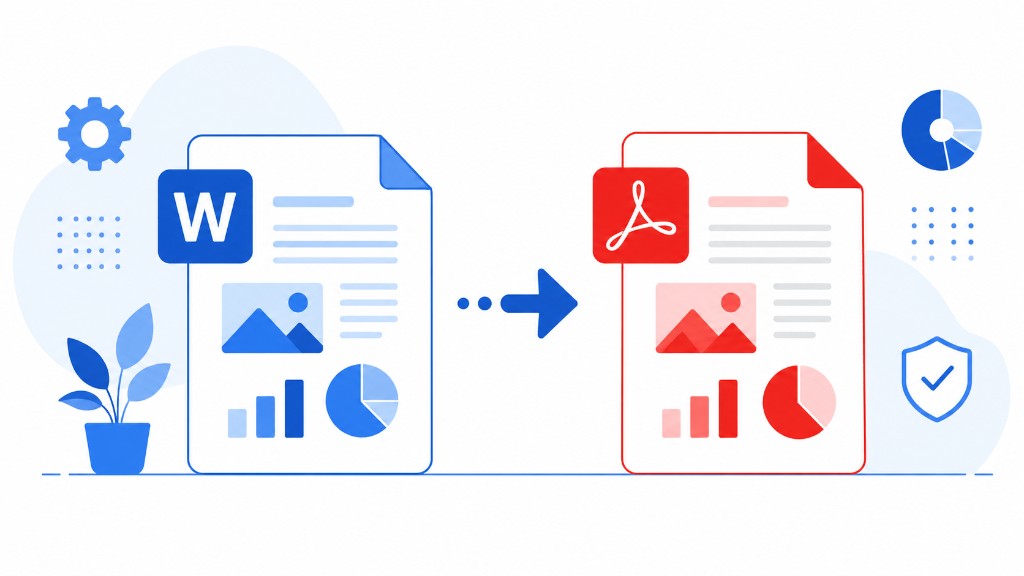
Your DOCX looks correct on your screen. On a client's machine with different fonts and an older Word version, the table shifts and a heading wraps badly. PDF prevents that.
Word to PDF converts DOC and DOCX through our server so layout, fonts, and spacing render consistently. Upload, download PDF — no Office install required on either side.
Check page size in Word before converting. A4 and Letter aren't interchangeable for printed copies. Documents with embedded screenshots can produce large PDFs; follow with Compress PDF before email.
Use this for CVs, proposals, contracts, school submissions, and any file that must look identical everywhere. For edits after sharing feedback, convert back to Word only when you need to change content, then export to PDF again for the next round.