Convert JPG Images Into a Single PDF Document
Turn photos and scans into one clean PDF ready for printing or sharing.
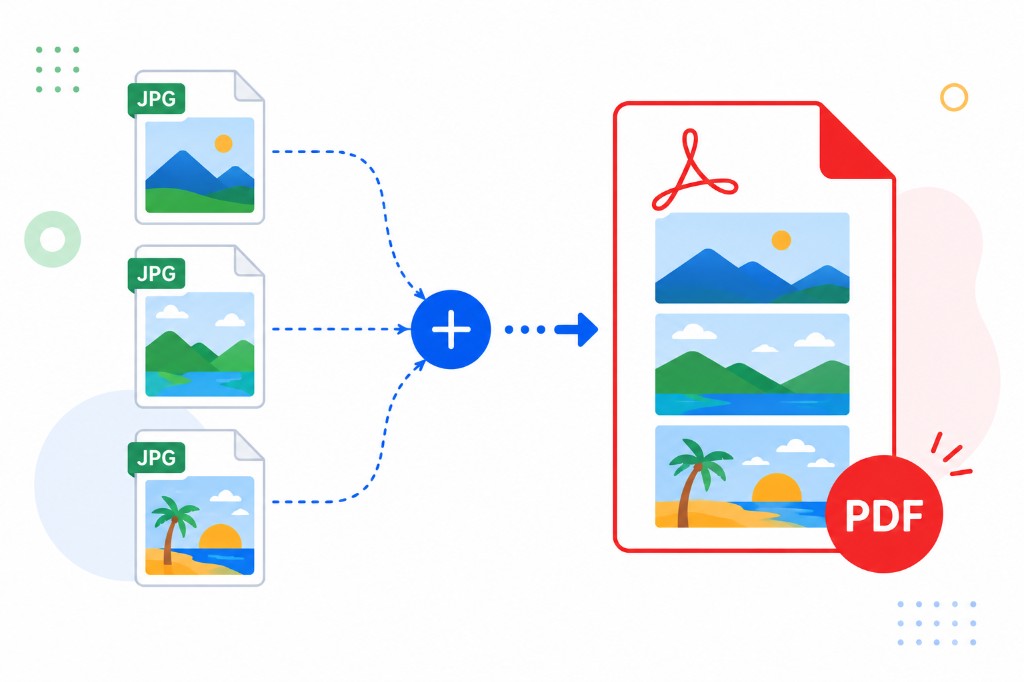
Eight JPG attachments look like a pile of photos. One PDF looks like a finished document. Receipts, ID scans, homework photos, and property inspection images all benefit from being one file instead of many.
JPG to PDF converts images into a multi-page PDF in your browser. Upload JPG or PNG files, drag thumbnails into the order you want, click convert, and download. Each image becomes one page at its natural aspect ratio — nothing stretched or cropped without you asking for it.
The tool doesn't fix exposure or blur. Check photos in your gallery app before upload if quality matters. Sideways shots stay sideways unless you rotate them elsewhere first.
Phone camera files are often three to five megabytes each. Ten pages can produce a PDF that email rejects. After converting, run Compress PDF if you need a lighter attachment. For the reverse trip — PDF back to images — use PDF to JPG.
Works locally in the browser. Good for personal records, school submissions, and sharing scan bundles with clients who expect a single attachment.