Run OCR on a PDF to Make Scans Searchable
Turn images of text into selectable, searchable, and copyable content.
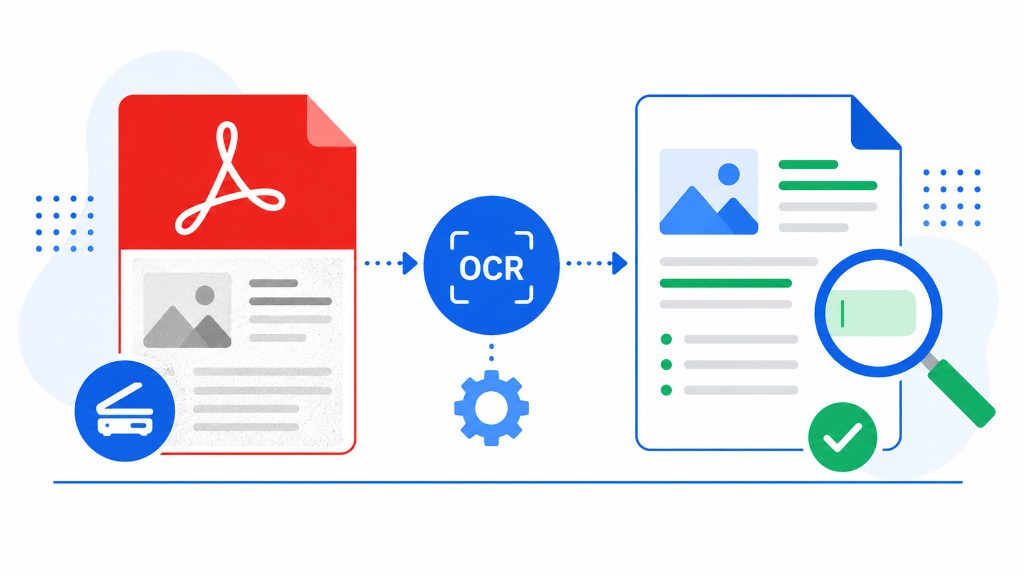
You try Ctrl+F on a scanned contract and find nothing. The file looks like text but is actually a series of page images. Copying a sentence is impossible without retyping it.
OCR — optical character recognition — reads those images and adds a hidden searchable text layer. OCR PDF on RashPDF uploads your scan to our server, lets you pick languages and processing mode, then returns a searchable PDF or exports to Word or Excel.
Bright, straight, high-resolution scans produce the fewest errors. Dark, tilted, or low-DPI pages misread more often. Fix orientation with Rotate PDF before OCR when you can.
After OCR the page looks the same visually, but you can search, copy, and convert with PDF to Word. For archiving folders of invoices or medical records, OCR turns a dead image pile into something you can actually query.