Extract Pages From a PDF as Separate Files
Pull selected pages out of a PDF and save them as standalone documents.
You have a forty-page contract but only need to return the signed page. Or a colleague needs one chapter from a manual, not the whole book. Extracting is cleaner than sending everything and hoping they find the right page.
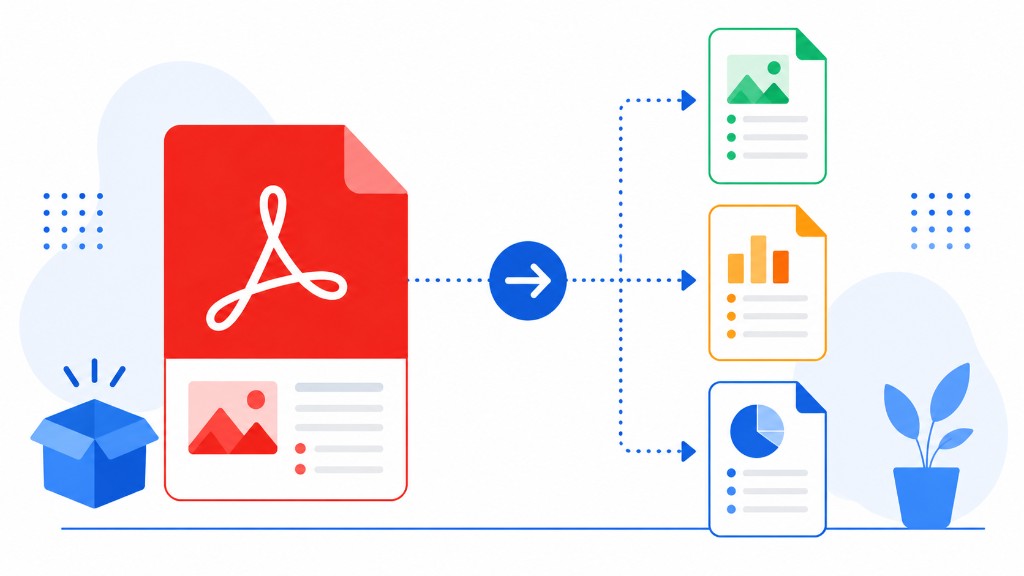
Extract Pages saves selected pages as individual PDF files inside a ZIP. Upload, click the pages you want in the thumbnail grid, click extract, download. Each page keeps full quality — selectable text, working links, intact form fields.
Runs locally in your browser. The original file on your computer stays unchanged if you picked the wrong page — just upload again.
Common follow-ups: Merge PDF to combine extracted pages from different sources, Compress PDF on a single heavy chapter, or Sign PDF on one page before returning only that file.